
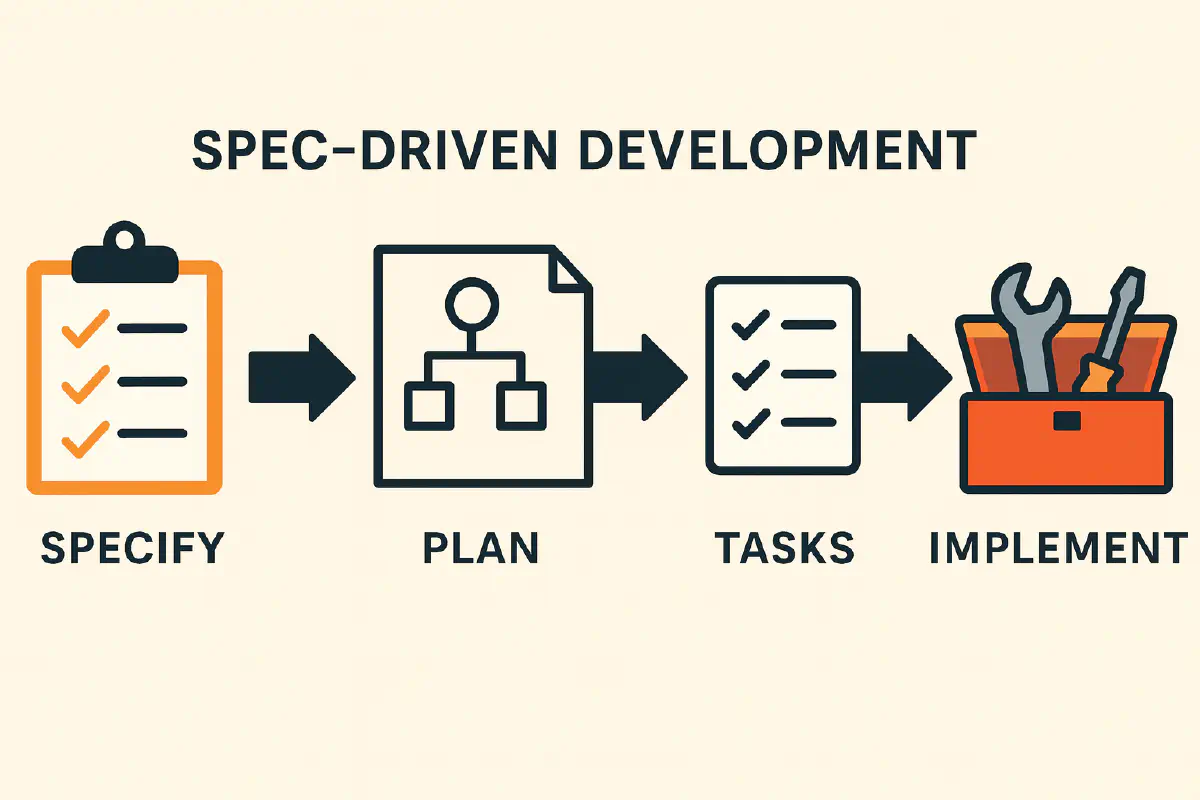
There are plenty of resources explaining what Spec-Driven Development (SDD) is and why it was created, but rarely do they cover how to actually use it and what problems it solves in practice.
For reference, here’s a solid definition from GitHub’s blog:
Instead of coding first and writing docs later, in spec-driven development, you start with a (you guessed it) spec. This is a contract for how your code should behave and becomes the source of truth your tools and AI agents use to generate, test, and validate code. The result is less guesswork, fewer surprises, and higher-quality code.
But what does this mean for your daily AI usage? What can SDD do that you can’t achieve with AI on your own?
The answer: it can do what you already do, but in a far more organized and predictable way.
Getting Started with OpenSpec
The key lies in the specification and supporting documentation. We chose OpenSpec because it’s as simple as it gets — it helps you get acquainted with the process without mental overload.
After installing the tool, run openspec init to create the necessary files. The only thing you need to provide is context for your project in /openspec/project.md, which you can do by using the AI Agent. OpenSpec, after installation, also gives you the prompt to do this: "Please read openspec/project.md and help me fill it out with details about my project, tech stack, and conventions".
This file serves as the main entry point for your AI agent, giving it full context without declaring it on every prompt. It also acts as guardrails, keeping the agent within your project’s scope.
The Four-Prompt Workflow
Once set up, SDD boils down to four prompts:
- “Please create the change proposal for [FEATURE]”
- “Let’s update the change proposal with [CHANGE]”
- “I’m happy with the change proposal. Let’s proceed with the implementation”
- “I’m happy with the implementation, let’s archive the proposal”
That’s the essence of working with SDD. Since all documentation is provided upfront, you don’t need to repeat references. Just describe your feature in as much detail as possible, review the generated proposal, refine it if needed, then approve and implement. If the result isn’t satisfactory, you can always point the agent back to the proposal for guidance. When you’re happy, archive it and move on.
Why This Beats Blind Prompting
- No fighting the AI — Guidelines are baked in, so you don’t need to repeat them on every prompt
- No guessing — You know exactly what the AI will implement before reviewing code
- Catch issues early — Reading the proposal surfaces problems before they become code
- Iterate with confidence — Strictly defined guidelines make refinement predictable
- Full control over implementation order — Want TDD? Tests first? Documentation updates? You decide
- No repeated context — Everything is centrally located
- Always current — Keeping documentation updated means the AI always has the latest guidelines
Does It Work?
Yes, it does. Case in point is this very project you’re reading. This is an entirely different stack compared to what we use daily, yet we managed to add this article and some features in less than 20 minutes from when we started working on the project — without any prior experience with the implementation stack.
Great documentation already existed, so the AI agent had an easy time filling our project.md file with all the relevant info, which in turn made this a breeze.
How Can You Make It Work?
One great initiative we had was to share SDD in a workshop with the intention of implementing it in more projects. The workshop included colleagues unfamiliar with our projects to make it interactive and test its effectiveness. We then asked them to implement a feature in a project they weren’t fully familiar with.
This has many benefits for everyone:
- Developers, even when inexperienced, can feel valuable within the company — even when they aren’t confident in their knowledge of the project or product
- They get a high-level overview of what’s needed when implementing something, which reduces cognitive overload since they don’t have to get lost in a codebase
- They can be more productive even with limited knowledge
- They can follow guidelines without the need for external supervision or course correction
- Projects can be maintained by more people instead of relying on a select few with experience